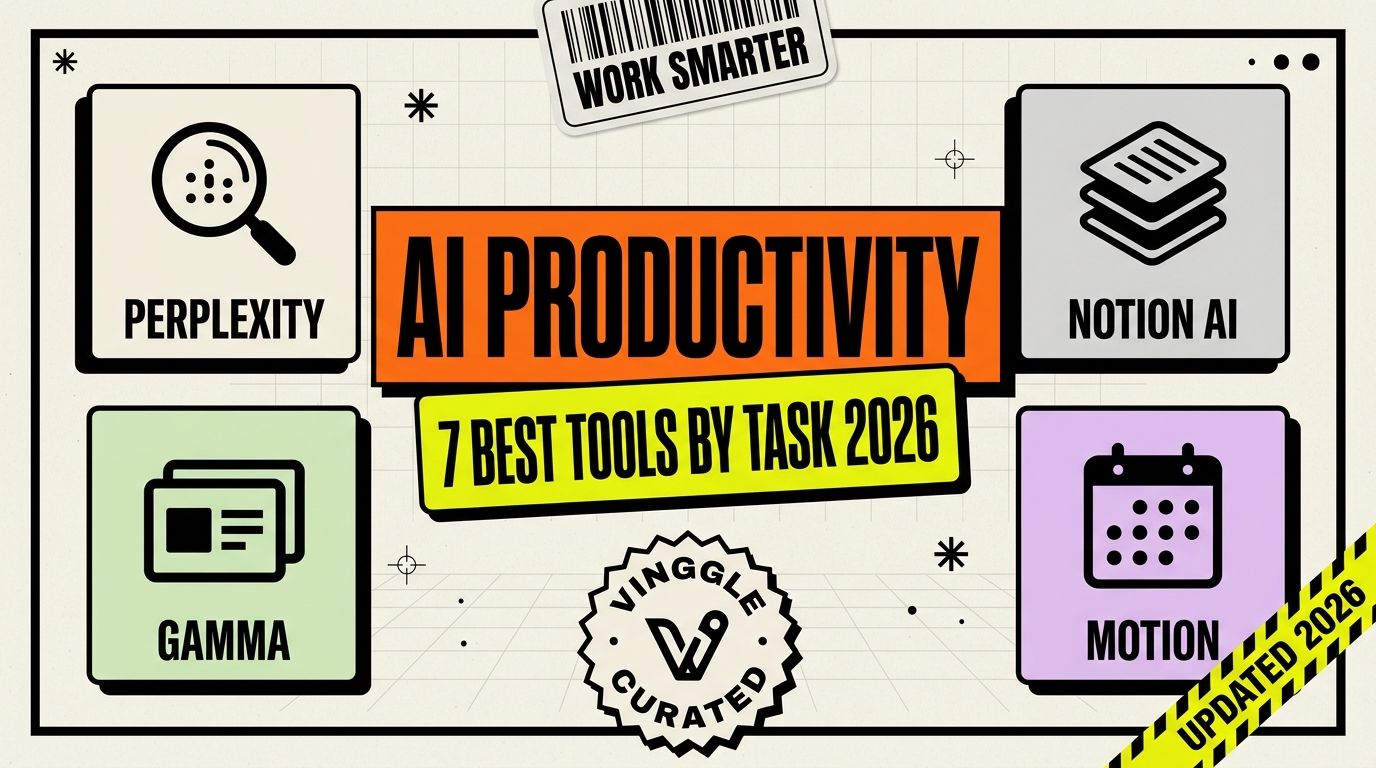
"AI productivity tool" has become such a broad label that it covers everything from a general chatbot to a calendar that silently reschedules your afternoon. That breadth is exactly why most roundups of this category turn into an unfocused list of 30 logos. This one doesn't try to be exhaustive — it picks one strong tool per real daily task, so you can fill an actual gap instead of adding another subscription you'll forget to use.
What Changed in AI Productivity Tools This Year
The clearest shift in 2026 is that single-purpose tools are winning over all-in-one platforms for most specific tasks. Rather than one assistant trying to handle research, scheduling, and email equally well, the tools pulling ahead each do one job properly and integrate into whatever stack you already run — your calendar, your inbox, your meetings.
The second shift: AI research tools with cited sources (Perplexity-style) have gone from a nice-to-have to the default way a growing share of people search at all, quietly replacing a chunk of traditional search behavior for anything that needs a sourced, synthesized answer rather than ten links to click through.
The 7 Best AI Productivity Tools, by Task
1. Perplexity — Best for Research
Perplexity answers a question with a synthesized, cited response instead of a page of links to click through yourself. For anything that needs a real, sourced answer rather than a creative draft, it remains the fastest way to get there without the scroll-through-ten-articles routine.
2. Notion AI — Best for Knowledge Management
If your team already lives in Notion, its built-in AI turns a static wiki into something that can summarize, draft, and answer questions against your own documents. The value here isn't the AI in isolation — it's that it sits directly inside the knowledge base your team already maintains.
3. Gamma — Best for Presentations
Gamma turns a rough outline or a wall of text into a formatted, visually coherent deck in minutes, aimed squarely at the person who needs a presentation ready before a meeting, not a designer polishing a brand deck over days.
4. Rows — Best for Smart Spreadsheets
Rows rebuilds the spreadsheet around AI and live data connections instead of static cells, letting you pull in and manipulate real-time data with plain-language formulas. For anyone who's hit the ceiling of what a traditional spreadsheet can automate, it's a meaningfully different starting point.
5. Fireflies.ai — Best for Meeting Notes
Fireflies joins your calls automatically, transcribes them, and turns the conversation into searchable notes and action items — solving the specific problem of meetings that generate decisions nobody writes down anywhere.
6. Motion — Best for AI Calendar & Scheduling
Motion automatically schedules your tasks and meetings around your actual priorities and deadlines, rebuilding your calendar on the fly as new things land on your plate rather than leaving you to manually Tetris your day.
7. Superhuman — Best for AI Email
Superhuman pairs a famously fast inbox interface with AI-drafted replies and summaries, aimed at anyone whose job involves genuinely high email volume rather than the occasional message.
Quick Comparison
| Tool | Best For | Starting Price | Free Tier |
|---|---|---|---|
| Perplexity | Research with cited sources | Free tier available | Yes |
| Notion AI | Knowledge management | ~$10/mo add-on | Limited |
| Gamma | Fast, visual-first presentations | ~$12/mo | Yes |
| Rows | AI-powered smart spreadsheets | Free tier available | Yes |
| Fireflies.ai | Meeting transcription & notes | Free tier available | Yes |
| Motion | AI calendar & task scheduling | ~$29/mo | Trial only |
| Superhuman | High-volume AI email | ~$25-30/mo | Trial only |
How to Choose
- Start with your biggest time sink, not the longest feature list. Meetings eating your day points to Fireflies; a chaotic calendar points to Motion; email volume points to Superhuman. Picking by symptom beats picking by hype every time.
- Already standardized on a workspace? Notion AI and Gamma earn their keep fastest inside tools your team already uses daily, rather than as a new standalone app to check.
- Replacing traditional search for work research? Perplexity's cited answers are worth testing before falling back to a dozen open tabs.
- Don't stack all seven at once. Most people get real value from two or three of these solving their actual top bottlenecks, not a subscription to every category.
Discover More AI Productivity Tools
Beyond the seven above, new AI productivity tools for research, scheduling, and knowledge work are verified and added regularly on Vinggle's AI Productivity Tools directory. If you're building one, submit it to Vinggle to get in front of people actively comparing their options.