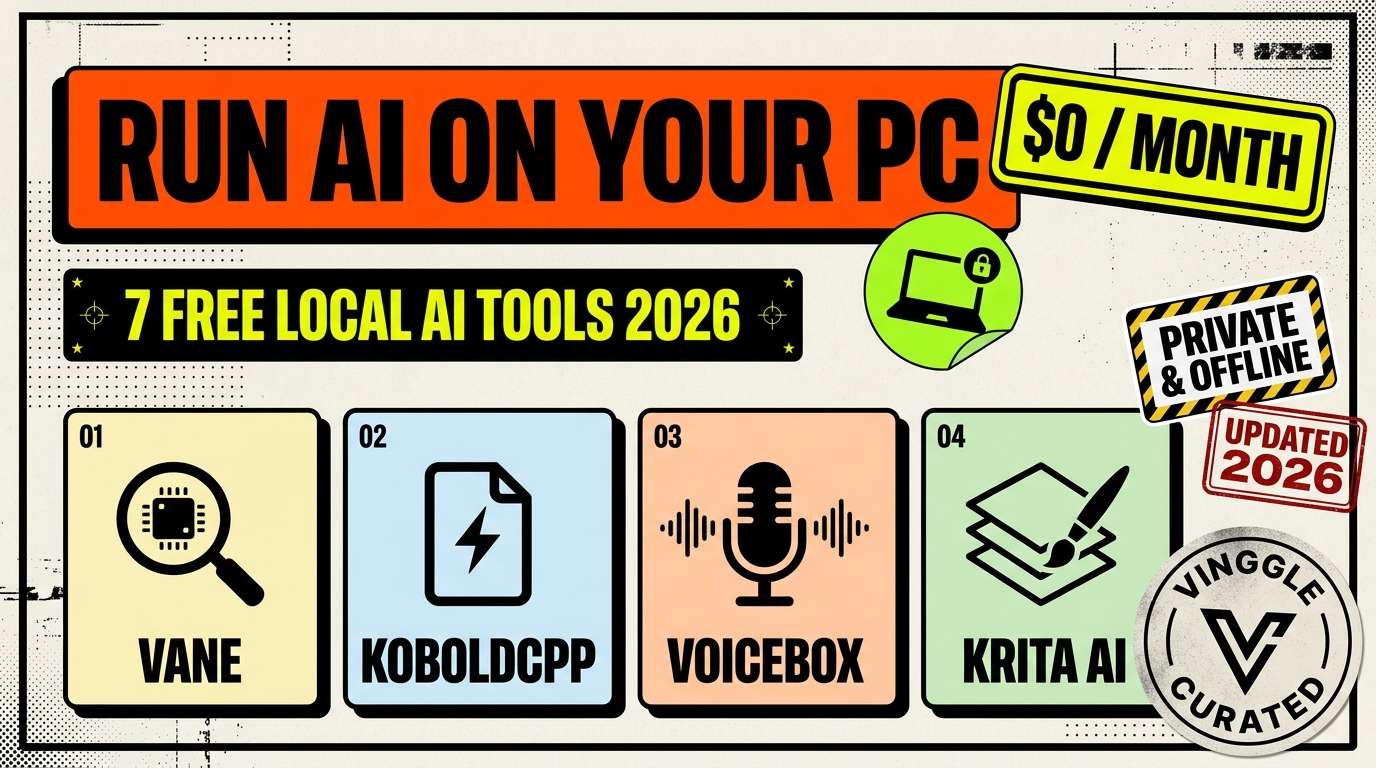
Most "local AI" roundups list the same four names, and you have probably already seen them. This guide skips the usual suspects (Ollama, LM Studio, Jan, GPT4All) and focuses on seven lesser-known free tools that each replace a paid subscription: Perplexity-style search, ChatGPT-style chat, document Q&A, dictation, voiceovers, image generation and generative fill. All run on your own computer, and none requires a monthly fee.
Key Takeaways
- Vane (formerly Perplexica) is a free, private answer engine with cited sources, and it was renamed in March 2026.
- KoboldCpp is one downloadable file that handles chat, stories, images, video and speech with compatible models.
- Voicebox bundles several open voice engines, including voice cloning, into a single free studio.
- Most tools here are MIT licensed, which means free for personal and commercial use. Two are not, so check the licenses table.
- Local tools trade convenience for privacy and zero fees: you handle setup, hardware and updates.
How we compared: every tool was checked against its project documentation, repository and recent independent coverage as of October 2026. We looked at what each tool replaces, its license, supported platforms and hardware needs. We did not benchmark them ourselves, so setup-effort ratings are estimates drawn from each project's own instructions.
In This Article
- Quick verdict
- What your computer needs
- 1. Vane: replaces Perplexity
- 2. KoboldCpp: replaces ChatGPT-style chat and story apps
- 3. AnythingLLM: replaces NotebookLM and file uploads
- 4. OpenWhispr: replaces dictation and meeting-notes apps
- 5. Voicebox: replaces ElevenLabs
- 6. Draw Things: replaces Midjourney on Apple devices
- 7. Krita AI Diffusion: replaces generative fill
- Side-by-side comparison
- What you could stop paying
- How to start in 20 minutes
- FAQ
Quick Verdict: Which One First?
- Easiest first install: KoboldCpp (download one file) or AnythingLLM (a normal desktop installer).
- Best replacement for a paid app: Vane for Perplexity, Voicebox for ElevenLabs.
- Best on an iPhone or Mac: Draw Things.
- Best if you already draw digitally: Krita AI Diffusion.
- Best for privacy-minded note and meeting capture: OpenWhispr.
What Your Computer Needs
Local AI runs on your hardware, so the honest first question is what you own. These are the figures the projects and recent guides give, not guarantees:
| Your setup | What runs well |
|---|---|
| Ordinary laptop, no dedicated GPU | Dictation (Parakeet models are built for CPUs), Kokoro voices inside Voicebox, AnythingLLM and Vane with a small model or a cloud model you connect, KoboldCpp with small models |
| Apple Silicon Mac or iPhone | Draw Things, OpenWhispr, KoboldCpp, AnythingLLM |
| Gaming PC with about 8 GB of video memory | Voice cloning with Chatterbox (about 8 GB recommended), Krita AI Diffusion, medium-size language models in KoboldCpp |
| 12 GB of video memory or more | Larger models and the image, video and music features inside KoboldCpp |
1. Vane (Formerly Perplexica): Replaces Perplexity
Vane is a free, open-source answer engine: you ask a question, it searches the web, and a language model writes an answer with citations, images and videos. Search runs through SearXNG, a private metasearch engine that comes bundled in the same Docker image, so you do not need search API keys. The project launched as Perplexica and was rebranded Vane in March 2026, which is why older articles still use the old name. Look for the original repository by ItzCrazyKns, because many copies exist.
- Replaces: Perplexity and similar cited-answer search apps.
- License: MIT, with no paid tiers, license keys or seat caps.
- Platforms: anything that runs Docker (Windows, macOS, Linux).
- The catch: you must connect a model, local or cloud, and answer quality depends on it. Your searches still go out to the web through SearXNG, which hides your identity but not the fact that you searched.
Verdict: the closest free match to Perplexity's cited answers. Worth it if you are comfortable running one Docker command.
2. KoboldCpp: Replaces ChatGPT-Style Chat and Story Apps
KoboldCpp is a single executable file that runs language models in the GGUF format on your CPU or GPU, with a built-in web interface and no installer, Python or Docker. Its interface is built for writers: chat, adventure, instruct and story-writing modes, plus memory, world info, characters and scenarios. With compatible models it also generates images and video, speech and music, transcribes audio with Whisper, and exposes an OpenAI-compatible API so other apps can use it. The latest release at the time of writing is v1.123.1, from October 13, 2026.
- Replaces: ChatGPT-style chat, and story and roleplay apps such as Character.ai.
- License: AGPL-3.0, with the llama.cpp engine underneath under MIT.
- Platforms: Windows, Linux (x64) and macOS (Apple Silicon).
- The catch: you download models yourself from Hugging Face, and the strongest features need matching hardware. AGPL matters if you modify it and offer it as a service.
Verdict: the best "one file, no setup" way to try local AI, and surprisingly broad for a project most people have never heard of.
3. AnythingLLM: Replaces NotebookLM and File Uploads
AnythingLLM is a desktop app for chatting with your own documents. You drop files into persistent workspaces, and it answers with citations from a vector database, using a model you choose: a local one, or any of 40-plus providers. It also includes agents, no-code agent flows, scheduled jobs, a meeting assistant and system-wide dictation. The desktop app is free for personal and commercial use with no account, and there is an Android app that syncs with it.
- Replaces: Google's NotebookLM (now called Gemini Notebook) and the file-upload and custom-assistant features of paid chatbots.
- License: MIT.
- Platforms: macOS, Windows and Linux, plus Android.
- The catch: you must connect a model, and changed documents need re-indexing. Its documentation describes anonymous usage telemetry, so review the privacy settings if you want a fully silent setup. For podcast-style audio summaries, look at the separate open-source project Open Notebook.
Verdict: the most practical way to get a private "chat with my files" tool without a subscription.
4. OpenWhispr: Replaces Dictation and Meeting-Notes Apps
OpenWhispr turns your voice into text in any app with a push-to-talk shortcut, and it can transcribe meetings and label speakers on your device. It runs Whisper or NVIDIA Parakeet models locally, with GPU acceleration on Mac, NVIDIA and AMD or Intel graphics, and its local mode is unlimited and free. It is MIT licensed, collects no telemetry according to its own materials, and offers optional cloud and bring-your-own-key modes plus an optional paid plan.
- Replaces: dictation apps such as Wispr Flow and Superwhisper, and meeting-note tools such as Otter.ai.
- License: MIT.
- Platforms: macOS, Windows and Linux.
- The catch: the optional cloud features and paid plan exist, so keep it on local models if privacy is the point. If you only want dictation, Handy is a simpler free MIT-licensed alternative, though it has no AI cleanup and a short delay after you stop speaking.
Verdict: a strong free replacement for paid dictation, with meeting notes as a bonus.
5. Voicebox: Replaces ElevenLabs
Voicebox is a local voice studio that wraps several open text-to-speech engines in one app: Qwen3-TTS, Chatterbox (including a Turbo version), HumeAI's TADA and Kokoro, among others. You can clone a voice from a short reference sample, pick from more than 50 preset voices, add expressive tags such as laughs and sighs through Chatterbox Turbo, and generate up to 50,000 characters at a time. It runs on Windows with any GPU and with NVIDIA CUDA, and builds from source on Linux.
- Replaces: ElevenLabs for narration and cloning, covered in our AI voice and audio guide.
- License: free and open source. Each engine has its own license, such as Apache 2.0 for Kokoro and MIT for Chatterbox, so check the one you use.
- Hardware: Kokoro runs on a CPU but does not clone voices. Chatterbox cloning wants about 8 GB of video memory.
- The catch: open voices still trail the best paid models. In an August 2026 roundup of Artificial Analysis's speech arena, Kokoro scored 1,060 and Chatterbox 1,020, against 1,177 for ElevenLabs v3. Only clone voices you have permission to use.
Verdict: the best free route to unlimited narration and cloning, as long as you have a decent GPU.
6. Draw Things: Replaces Midjourney on Apple Devices
Draw Things is an image-generation app for iPhone, iPad and Mac with a free edition that costs nothing and needs no account for on-device generation. Once the models are downloaded, generation works offline. It also offers a local API and scripting, and an optional paid tier and some free cloud compute for people who want it. Official guidance puts Flux at 512 pixels at about 8 GB of memory, so newer devices fare best.
- Replaces: Midjourney, which has no free tier and starts at $10 a month.
- License: the free edition costs $0; read its terms and each model's license before commercial use.
- Platforms: iPhone, iPad and Mac only.
- The catch: Apple-only, large model downloads, and speed depends on your chip. For the latest cloud comparison, see our Nano Banana vs ChatGPT Images vs Midjourney guide.
Verdict: the most comfortable local image generator if you own an Apple device.
7. Krita AI Diffusion: Replaces Generative Fill
Krita is a free painting program, and the Krita AI Diffusion plugin adds local image generation to it: inpainting, control inputs and work inside layers, masks and selections. It needs Krita 5.2.0 or later and uses ComfyUI as its engine, which the plugin can install and configure for you. The latest release we found is v1.53.0, from August 22, 2026, and the plugin has more than 10,000 stars on GitHub.
- Replaces: the generative-fill style tools in paid design software, which do the same job of filling a selection from a prompt.
- License: GPL-3.0.
- Platforms: Windows, macOS and Linux.
- The catch: medium setup, and the ComfyUI engine wants a capable graphics card for comfortable speed. It is a plugin for a painting workflow, not a general-purpose app with an API.
Verdict: the best pick for artists who want AI inside layers rather than a separate prompt box.
Side-by-Side Comparison
| Tool | Replaces | License | Setup effort (our estimate) | Hardware |
|---|---|---|---|---|
| Vane | Perplexity | MIT | Medium (Docker) | Depends on the model you connect |
| KoboldCpp | ChatGPT-style chat, story apps | AGPL-3.0 | Easy (one file) | CPU or GPU |
| AnythingLLM | NotebookLM, file chat | MIT | Easy (desktop app) | Depends on the model you connect |
| OpenWhispr | Wispr Flow, Otter | MIT | Easy | CPU works; GPU speeds it up |
| Voicebox | ElevenLabs | Open source (per engine) | Medium | CPU for Kokoro; about 8 GB for cloning |
| Draw Things | Midjourney | Free edition | Easy (App Store) | Apple device, about 8 GB for Flux |
| Krita AI Diffusion | Generative fill | GPL-3.0 | Medium | Capable GPU recommended |
What You Could Stop Paying
| Paid service | Typical entry price | Free local alternative |
|---|---|---|
| ChatGPT Plus or Claude Pro | $20 a month | KoboldCpp or AnythingLLM with a local model |
| Midjourney Basic | $10 a month | Draw Things or Krita AI Diffusion |
| ElevenLabs paid plan | From about $5 a month | Voicebox |
| Dictation and meeting-notes apps | Varies | OpenWhispr |
Treat this as a ceiling, not a promise. Local models are generally less capable than the largest cloud models, hardware has a cost, and your time setting things up is not free. The sensible approach is to replace the subscription you use least first.
How to Start in 20 Minutes
- Pick one job you pay for today, not all seven tools at once.
- Download the official build from the project's own page or GitHub releases, never from a third-party mirror.
- Start with the smallest model or voice offered, and confirm it works before downloading larger ones.
- Test with your real work for a week and compare it with the paid tool you use.
- Only cancel the subscription once the local tool has handled a full week of real tasks.
Things to Check Before You Install
- Licenses differ. MIT is the most permissive, GPL and AGPL add conditions if you modify and share the code, and AI models carry their own separate licenses.
- Copies and forks exist. Use each project's official repository or website.
- Local is not always fully offline. Vane still queries the web, and some tools offer optional cloud features.
- Projects change fast. Names, versions and features move quickly, as Perplexica becoming Vane shows.
Frequently Asked Questions
Are these local AI tools really free?
Yes, the apps themselves are free. Some offer optional paid cloud features, and the models you download have their own licenses, so check commercial-use terms.
Do I need a graphics card?
Not for every tool. Dictation, Kokoro voices and small language models run on a CPU. Voice cloning, image generation and larger models are much more comfortable with a GPU or an Apple Silicon chip.
Can I use these for commercial work?
Often, but it depends on both the tool and the model. MIT-licensed tools are the simplest. Always check the license of any model or voice you use.
Which should I install first?
KoboldCpp if you want the quickest start, or AnythingLLM if your main goal is chatting with your own documents.
Are local tools as good as ChatGPT or Midjourney?
For many everyday jobs they are good enough, but the largest paid models still lead on difficulty and polish. The real advantages are privacy, no fees and no usage caps.
For more options that cost nothing to start, see our guide to the 15 best free AI tools with no credit card. If you are building a local or open-source AI tool, submit it to Vinggle and browse more tools in our directory.