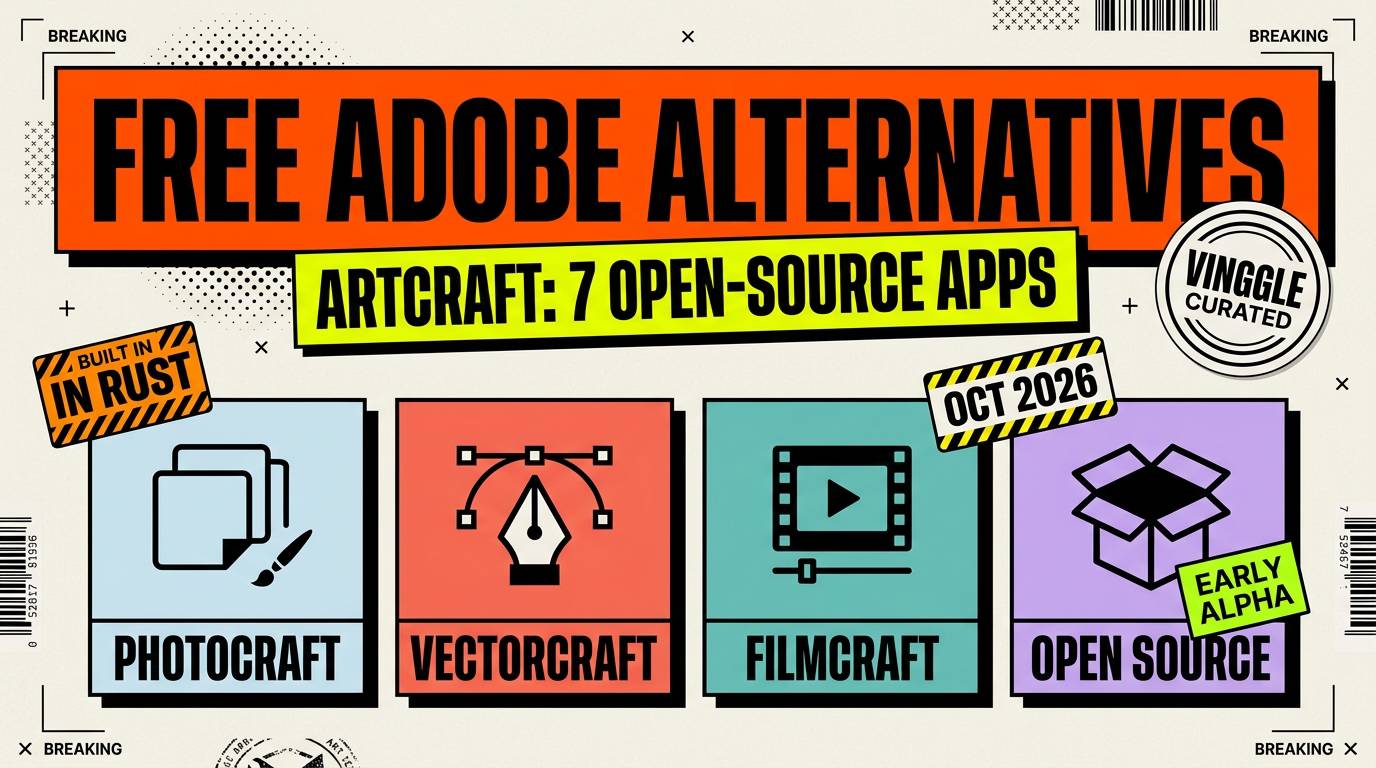
The short answer: ArtCraft has released Crafting Apps, seven free, open-source creative apps built in Rust that copy the look and workflow of Adobe's Photoshop-style tools. They are not copies of Adobe's code, and most are still early: two are in early alpha and the other five are in development. For daily professional work, long-established free tools remain the safer choice today.
Last updated: October 10, 2026. The project is moving fast, so we update this page as its status changes.
What ArtCraft Released
ArtCraft is a team that previously focused on controllable AI image and video generation. Its new Crafting Apps project is a family of seven desktop applications, each written from scratch in Rust rather than wrapped in a web view. The code is on GitHub under permissive MIT or Apache licenses, and the apps run on macOS, Windows and Linux. Several also compile to WebAssembly so they can run in a browser tab.
Two design choices stand out. Everything runs locally on your own files, and each app can be driven by a command line, a JSON control channel or an MCP server, which makes them usable by AI agents as well as people. The team says it plans to fund the project by selling optional token-based access to its AI image model, not by charging for the apps.
The Seven Apps and What They Replace
| App | Adobe tool it targets | What it covers | Status |
|---|---|---|---|
| PhotoCraft | Photoshop | Layers, masks, adjustment layers, type, brushes, PSD files | Early alpha |
| VectorCraft | Illustrator | Pen tool, shape booleans, gradient mesh, repeats | In development |
| FilmCraft | Premiere Pro | Multi-track timeline, video scopes | In development |
| LightCraft | Lightroom | Local photo library and raw developer | In development |
| PdfCraft | Acrobat | Read, organize, combine, split and secure PDFs | Early alpha |
| EffectCraft | After Effects | Motion graphics and visual effects | In development |
| DesignCraft | InDesign | Page layout with threaded text frames | In development |
The Adobe names in the second column are the comparison made by press coverage and by the project's own descriptions of familiar workflows. The statuses are the labels shown on the project's site. Some early coverage called the PDF app PrintCraft, but the official name is PdfCraft.
Is It Really a Full Adobe Replacement?
Not yet. Reporting from the first days of the launch describes PhotoCraft and the PDF app as early alpha and the rest as work in progress, and PhotoCraft's own notes mention gaps in some text typesetting, brushes and plugin compatibility. The founder has said he expects to match Adobe's feature sets within months, but that is a projection, not something independent testing has confirmed.
It is also worth knowing how the apps were made. According to its founder, the suite was built with heavy help from an AI coding model, Claude Opus 5.5. At least one outlet that covered the story noted it could not independently verify some of the wider claims, including how fully the apps handle Adobe file formats. Treat the early feature lists as goals to check, not guarantees.
A "Clone" or a Clean-Room Rebuild?
The project's repositories describe a clean-room reimplementation: new code written from scratch to reproduce familiar workflows, with the stated aim of being compatible rather than copied. They also state that the project is independent and not affiliated with or endorsed by Adobe. Questions about interface similarity and file-format compatibility are separate from the open-source license on the code, and in the coverage we reviewed we found no statement from Adobe. This is not legal advice, so if you plan to use these apps commercially, read the licenses and check your own situation.
What to Use Today vs What to Watch
| Job | Established free option | ArtCraft app to watch |
|---|---|---|
| Photo editing and painting | GIMP or Krita | PhotoCraft |
| Vector illustration | Inkscape | VectorCraft |
| Video editing | DaVinci Resolve (free edition) or Kdenlive | FilmCraft |
| Raw photo development | darktable | LightCraft |
| Motion graphics and VFX | Blender or the Fusion page in DaVinci Resolve | EffectCraft |
| Page layout | Scribus | DesignCraft |
These established projects have years of development behind them. Check each project's own site for its current features before you commit a workflow to it.
Who Should Try It Now, and Who Should Wait
- Try it now if you are a developer, a tinkerer, or a creator who enjoys testing early open-source software and can report bugs.
- Try it now if you want Photoshop-style tools that run locally and can be automated by scripts or AI agents.
- Wait if you have client deadlines, rely on plugins, or need guaranteed compatibility with Adobe project files.
- Wait if you need a stable PDF or print workflow, since those apps are the earliest in development.
How to Try It Safely
- Start from the official page at getartcraft.com/apps, which links to the ArtCraft Launcher, the individual installers and the GitHub repositories.
- Open the app you care about and read its status and limitations before installing.
- Test with copies of your files, never your only originals, since this is alpha software.
- Prefer the browser versions where offered if you want to try an app without installing anything.
- Report bugs through the project's GitHub or Discord so they actually get fixed.
Quick FAQ
Is ArtCraft free?
Yes. The Crafting Apps are free and open source. The team's revenue plan is optional paid access to its AI image model, not the apps themselves.
Is ArtCraft affiliated with Adobe?
No. The project states it is independent and not sponsored or endorsed by Adobe, and it uses Adobe's names only to describe compatible workflows.
Can PhotoCraft open PSD files?
Its repository lists real PSD file support, but the app is in early alpha, so test with copies of your files before relying on it.
Is it ready for professional work?
Not yet. Most apps are still in development, so mature tools remain the safer choice for client work today.
Sources: ArtCraft's official site and GitHub repositories, with coverage including DigitalToday, GIGAZINE and T-Break. For AI image generation tools, see our Nano Banana 2.1 vs ChatGPT Images 2.5 vs Midjourney V8.2 comparison and Vinggle's AI Image Tools directory. If you are building a creative tool, submit it to Vinggle.